

- Run automated browser tests that simulate user interactions
- Set up API tests to verify endpoints and services
- Plan recurring test execution on a schedule
- Run tests from Checkly’s global locations
Test Types
Create a single test and use it for both pre-production validation and production monitoring:API Tests
API Tests
Simple HTTP requests to verify your API endpoints are responding correctly.Create an API test
Multi-step Tests
Multi-step Tests
Advanced tests that combine multiple API calls and browser actions.Create a Multi-step test
Browser Tests
Browser Tests
Full browser automation to test complex user interactions and workflows.Create a Browser test
Playwright Check Suites
Playwright Check Suites
Import your entire test project and run Playwright completely natively.Create a Playwright test
TCP Monitors
TCP Monitors
Verify that non-HTTP services are reachable by checking connectivity to a host and port.Create a TCP monitor
DNS Monitors
DNS Monitors
Check that your DNS records resolve as expected and catch misconfigurations or propagation issues.Create a DNS monitor
Run Playwright tests on the cloud
Usenpx checkly pw-test to run your existing Playwright tests on Checkly’s global infrastructure. Tests run from real cloud locations with full observability — traces, videos, screenshots, and logs.
Terminal
Terminal
checkly pw-test CLI reference.
Analyze local test results
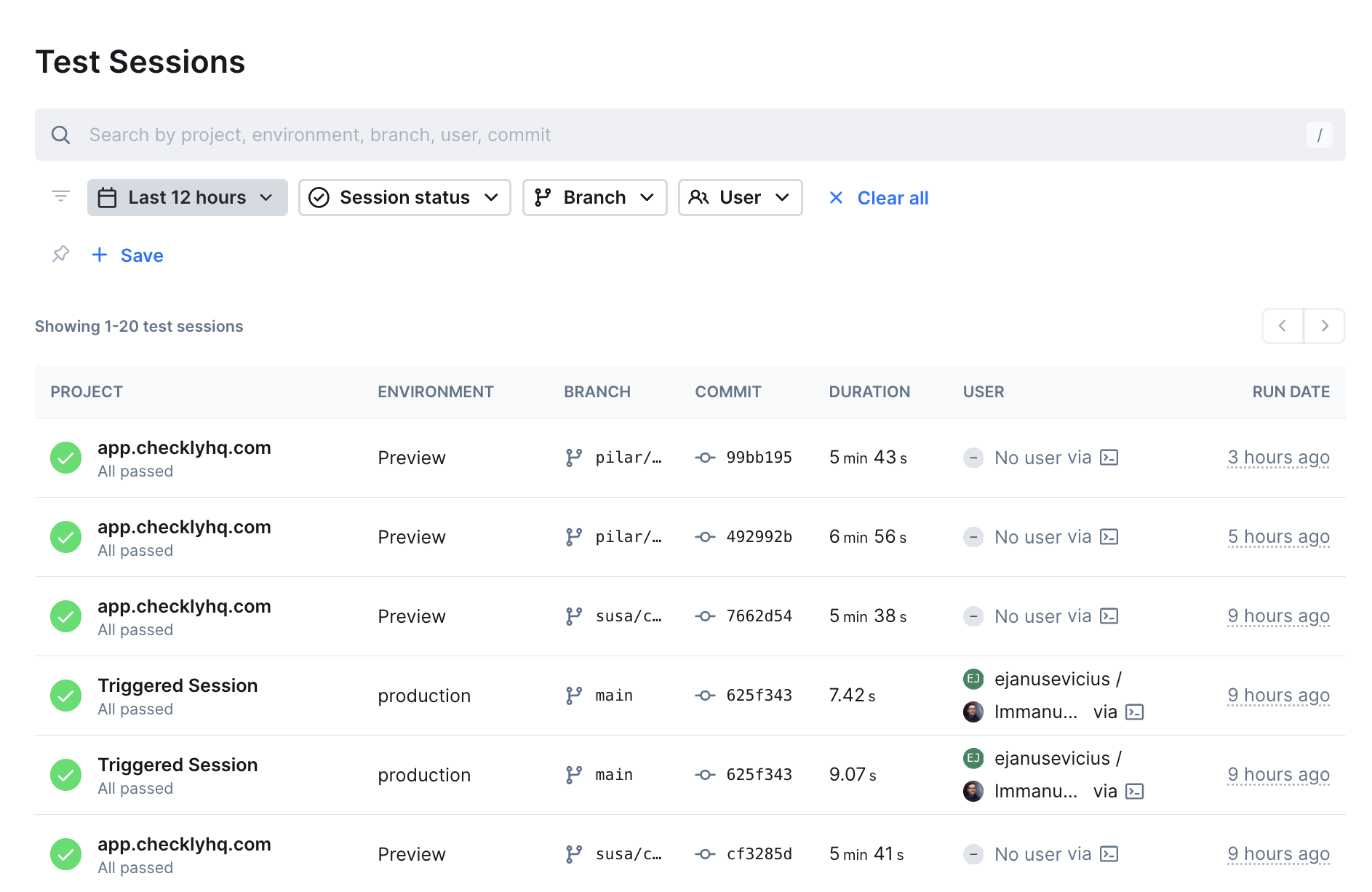
Use the Playwright Reporter to upload local and CI Playwright test results to Checkly. View screenshots, videos, and traces alongside your monitoring data.Benefits of testing with Checkly
- One platform for testing and monitoring — Use the same tests for pre-production validation and production monitoring
- Catch issues early — Identify problems at any stage of your delivery pipeline
- Code-first approach — Write tests in code, store them in repositories, and use version control
- Global coverage — Run tests from multiple locations to match your user base